
What is Trellis?
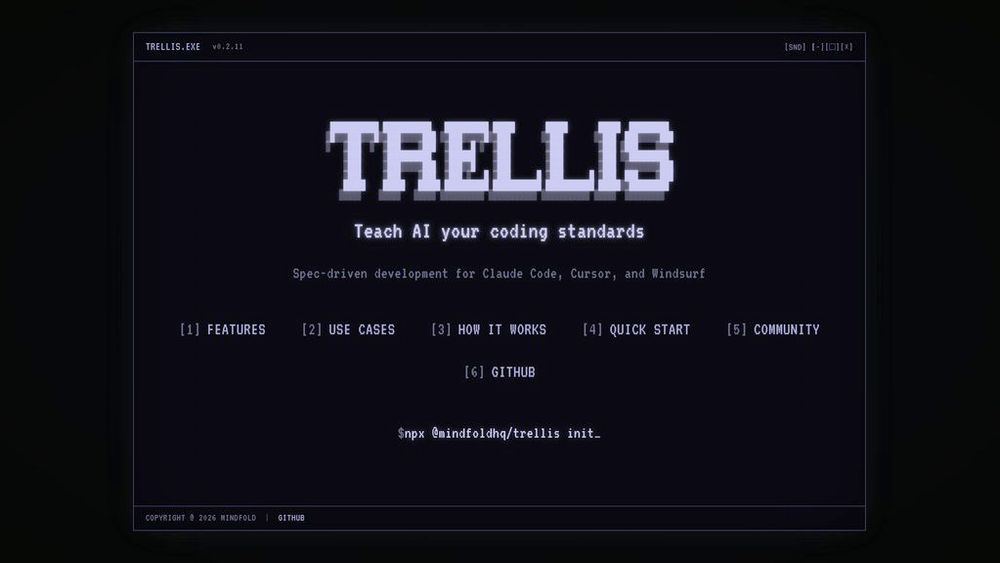
Trellis is a comprehensive framework and toolkit designed to bridge the gap between AI-powered code editors and development teams. By providing structured guidelines and documentation standards, Trellis ensures that Claude Code and Cursor maintain consistency with your project's architecture and coding conventions. The framework enables developers to define explicit rules about how AI assistants should approach code modifications, what standards to enforce, and how to prioritize different aspects of development. This creates a unified collaboration environment where AI tools function as extensions of your team's knowledge and practices, significantly reducing errors and improving code quality. Rather than treating AI coding assistants as black boxes, Trellis makes them intelligent collaborators that respect your project's unique requirements and organizational standards.
Key Features Codebase Understanding Framework
Provides developers with structured ways to document project architecture, conventions, and decision history, enabling AI assistants to accurately comprehend and navigate complex codebases without repeated context requests.
Development Standards Enforcement
Allows teams to define explicit coding rules, architectural patterns, and quality requirements that Claude Code and Cursor automatically respect and apply during code generation and modifications.
Intelligent Rules Configuration
Supports comprehensive rule-setting through configuration files that control how AI assistants approach problem-solving, handle edge cases, and maintain code safety and type integrity.
Documentation Integration
Enables seamless integration of project documentation into the AI workflow, including project overviews, task tracking, and architectural guidelines that guide AI decision-making.
Workflow Automation Hooks
Supports automated commands and validations after AI-generated code modifications, such as code formatting, linting, and type checking to ensure compliance before changes are applied.
Team Collaboration Enhancement
Facilitates consistent development practices across teams when using AI-assisted coding, preventing drift in standards and ensuring all team members benefit from shared conventions.
Use Cases Accelerated Feature Development : Teams can delegate entire feature implementations to AI coding assistants with confidence, as Trellis ensures the generated code respects project standards and architectural patterns. Onboarding AI to Complex Projects : Large or enterprise codebases can quickly establish context and rules that enable AI assistants to perform sophisticated refactoring, debugging, and optimization tasks accurately. Code Quality & Consistency : Development teams maintain unified coding standards across distributed team members and AI tools, reducing technical debt and improving long-term maintainability. Incident Response & Debugging : When critical bugs emerge, AI tools equipped with codebase understanding can rapidly diagnose issues and propose fixes that align with established architectural principles. Database & Infrastructure Migrations : Teams can guide AI assistants through complex, multi-file migrations by providing clear rules about dependencies, constraints, and validation requirements for system changes. FAQs
- Is Trellis only compatible with Claude Code and Cursor?
- Do I need to rewrite my entire codebase to use Trellis?
- How much overhead does setting up Trellis add?
- Can Trellis help with team-wide development standards?
- What happens if AI assistants don't follow the rules I define?
- Is Trellis suitable for solo developers or only teams?
- Can I update Trellis rules as my project evolves?